Guide 1 of 3
Connect a GitHub organization
Repoker reads your tickets and writes estimates through a GitHub App you install on your organization. This is a one-time setup per organization.
Open GitHub access in Settings
In Repoker, open Settings and select GitHub access. Click Connect GitHub Projects (or Install on another account if you have one connected already).
Choose repositories and confirm access
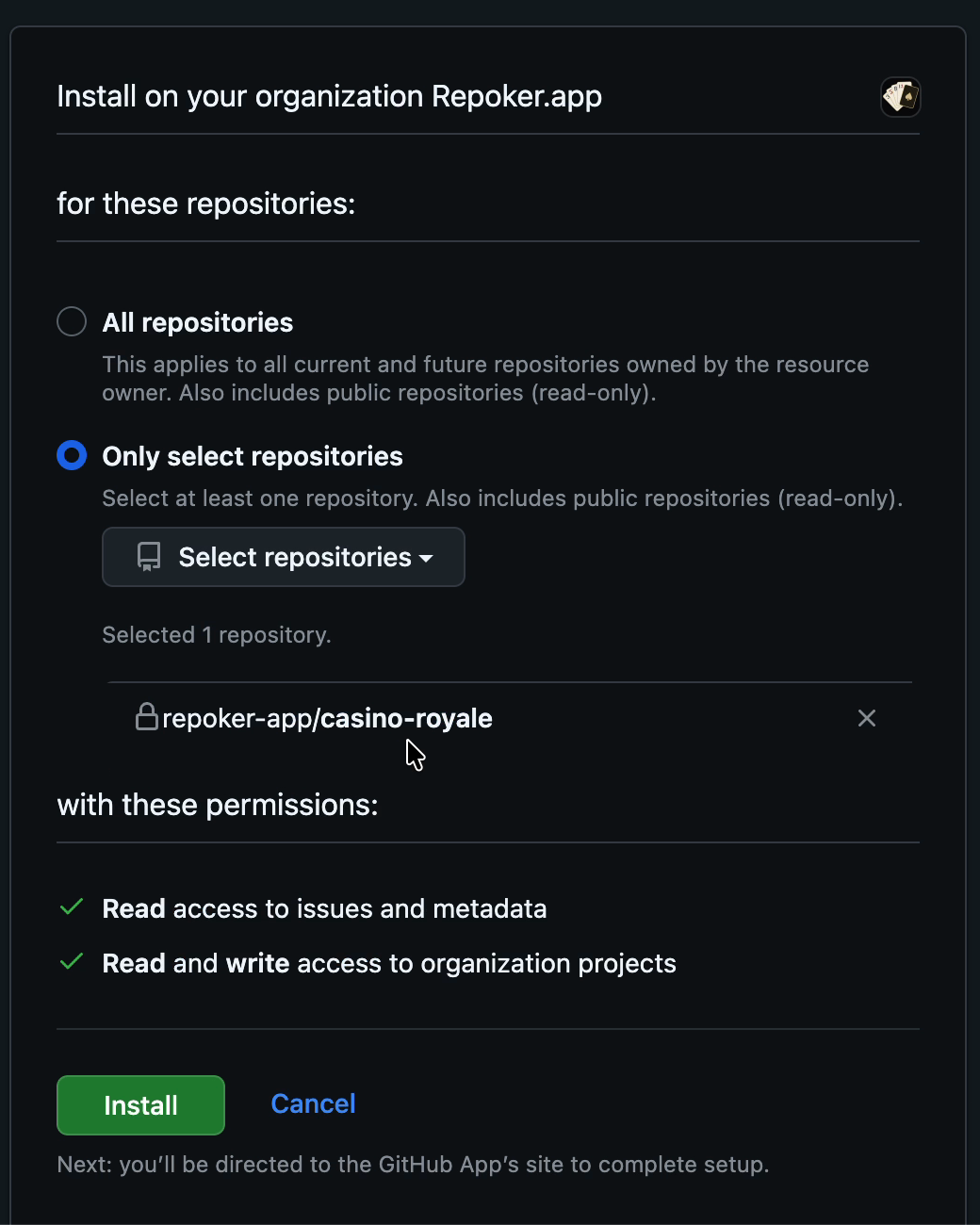
GitHub asks where to install Repoker. Pick the organization that owns your board, then choose All repositories or just the ones you point. Repoker needs Read access to issues and metadata and Read and write access to organization projects. Click Install.
You're connected
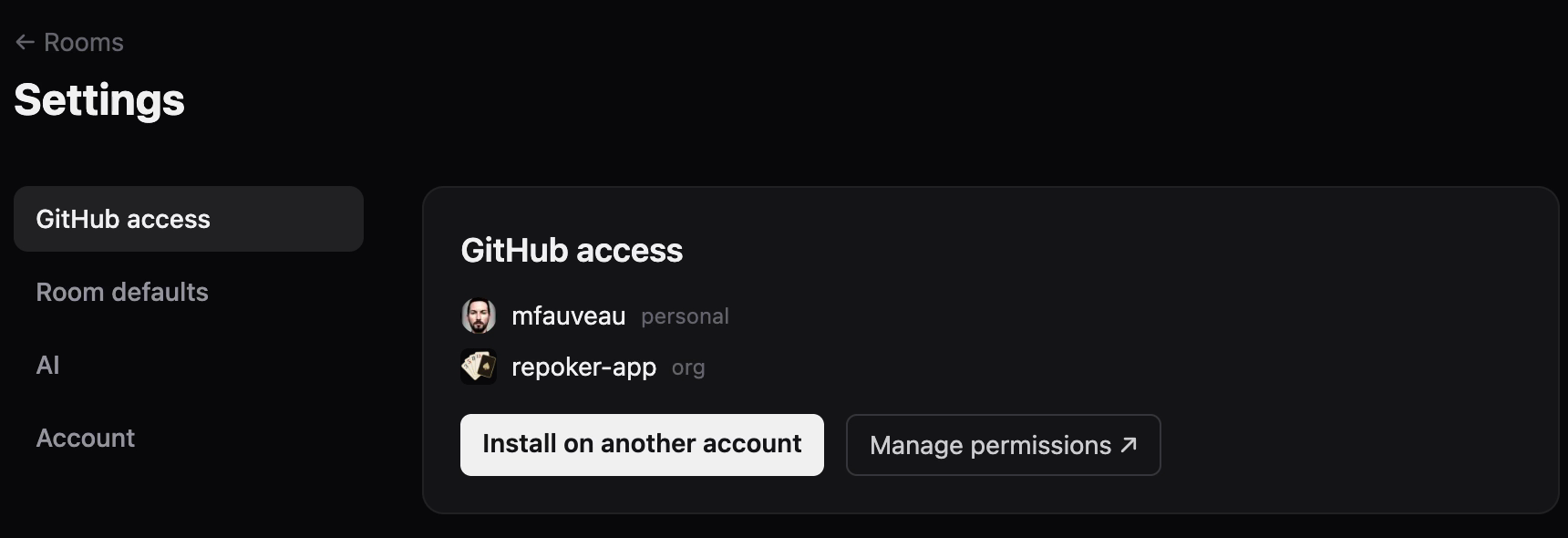
Back in Repoker, the organization now appears under GitHub access alongside your personal account. You can install on more accounts anytime from here.
Note: Repoker works with organization Projects. GitHub doesn’t let apps read personal (user-owned) projects, so your board needs to live under an organization.
NextCreate an estimate field→Repoker is an independent tool and is not affiliated with, endorsed by, or sponsored by GitHub, Inc. “GitHub” and the GitHub logo are trademarks of GitHub, Inc.